Blog / · 6 min read
Cursor lands on iPhone. It is not a mobile IDE, and that is the point.
Cursor launches its iOS app in public beta to control agents from your phone. The real topic is not coding on mobile, but delegating, tracking, and validating software work away from your desk.
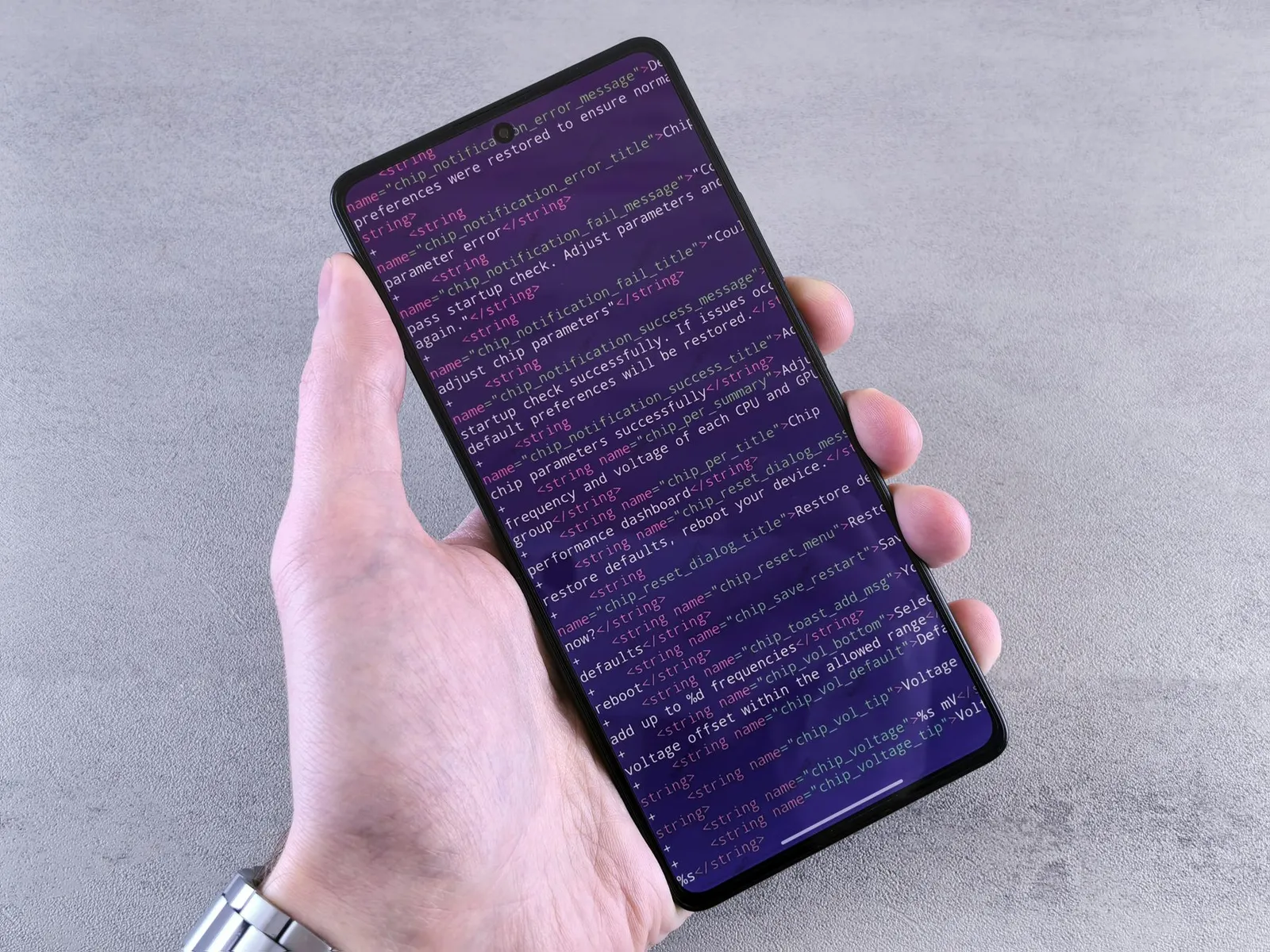
Cursor just put its iOS app into public beta. Not a hacked webview. A real mobile app to launch and steer agents.
The easy reaction is to roll your eyes: nobody is going to code seriously on an iPhone.
Except that is not the product.
Cursor is not selling a miniature VS Code. Cursor is selling a control panel for agents. And there, the iPhone becomes much more interesting.
What actually launched
The official announcement landed on June 29, 2026: Cursor for iOS is available in public beta on paid plans.
The app lets you launch cloud agents from a repo, pick a frontier model, dictate requests with voice, use slash commands, track progress, receive notifications, then review artifacts, diffs, and PRs.
Cursor also pushes Remote Control: if an agent is already running on your computer, you can keep directing it from your phone. On Teams and Enterprise plans, admins need to enable the capability.
The important detail: cloud agents run in isolated virtual machines with full development environments. The phone is not doing the work. It triggers, monitors, annotates, validates.
It is a remote control with product context, not a development machine.
Why this is more serious than it sounds
Mobile becomes useful when work is asynchronous.
If an agent needs 15 minutes to reproduce a bug, inspect a module, run tests, and prepare a PR, you do not need to sit in front of your laptop watching it breathe. You need to know when it blocks, when it asks for a decision, when it produces something reviewable.
That is exactly the kind of loop a phone is good at:
- receiving an alert;
- giving a short instruction;
- validating a direction;
- sending an annotated screenshot;
- reading a summary;
- deciding whether the PR deserves real desktop review.
Mobile is not where the diff gets written. It is where dead time between agent steps gets reduced.
And in a real day, those dead times are expensive.
The workflow that becomes possible
Imagine a customer bug at 12:40 PM.
Before: you read the message, think “I will check when I get back”, lose part of the context, open the laptop later, start from scratch.
With Cursor iOS, the workflow can become:
- open the app;
- choose the repo;
- dictate the bug with customer context;
- attach an annotated screenshot;
- let the agent investigate in the cloud;
- receive a notification when it has a lead or PR;
- read the summary and artifacts;
- keep final review for a real screen.
This is not magic. It is not a developer replacement either.
It changes when work starts.
And that shift matters more than it looks. Many tasks are not long because they require eight hours of code. They are long because they wait three hours before starting.
The strong point: artifacts
The most interesting part of Cursor’s announcement is not “voice mode” or “agents in your pocket”. It is artifacts.
Cursor emphasizes demos, screenshots, logs, and diffs produced by cloud agents. That is the right angle.
A mobile agent without artifacts is just another chatbot.
A mobile agent that gives you something to verify becomes usable:
- before / after screenshots;
- test logs;
- targeted diff;
- preview;
- explanation of what it could not do.
The phone should not be where deep review happens. But it can be where you decide whether the work should continue or be stopped.
The difference between “continue” and “stop, wrong direction” is perfectly mobile.
The risk: merging from your phone
Cursor highlights the ability to review and ship PRs from the app.
I understand why. It sells. It is also the part where I would be most careful.
Reviewing a serious PR on mobile is rarely a good idea. The format encourages fast validation, not analysis. You see side effects less clearly, navigate more slowly, compare files less well, and feel the real size of the diff less.
To me, the right usage is clear:
- mobile to launch, monitor, annotate, unblock;
- desktop to review, test locally, and merge meaningful changes.
Yes, merge a typo from your phone if you want. Fine.
But if the agent touches auth, billing, customer data, or a migration, the mobile merge button should stay far from your thumb.
The real topic: supervision becomes continuous
Coding agents were long framed as a local experience: open your editor, talk to AI, let it modify files.
With Cursor iOS, Codex mobile, Copilot agent, and other surfaces arriving, something else is forming: continuous supervision of software work.
You do not necessarily “code”. You keep a queue of tasks moving.
You launch an investigation. Correct an instruction. Ask for a variant. Stop a bad lead. Move a task from local to cloud. Resume at the desk.
The developer becomes less only the editor operator and more the owner of the flow.
That can be powerful.
It can also become a micro-management nightmare if every agent pings you every ten minutes for a decision it should have made itself.
What Cursor has to get right
For the app to work, Cursor needs to get three things right.
Notification quality. Too few, you forget the agent. Too many, you uninstall the app. It must notify on real decision points, not every breath.
Reviewable summaries. On mobile, the summary becomes the main interface. If it is vague, the app is useless. It must say what changed, why, what remains risky, and how to verify.
Merge guardrails. Not everything should be equally easy to ship. The product should respect change criticality.
Cursor mobile will not only succeed or fail on model quality. It will succeed or fail on supervision ergonomics.
My take
Cursor on iPhone is not a gimmick, but it will be misunderstood.
It is not “coding from the beach”. That phrase is ridiculous.
It is: moving software work forward without being in front of the machine that actually executes it.
For small teams, freelancers, and technical founders, that is concrete. An idea captured at the right moment can become a branch ready for review. A bug reported between meetings can start investigation immediately. A broken UI can be sent to an agent with an annotated screenshot instead of waiting until you are back at the desk.
But the rule stays the same: the farther an agent can act from you, the stronger the review system must be.
Mobile does not remove responsibility. It makes it more permanent.
Sources
- Build from anywhere with Cursor for iOS - Cursor
- Cursor Mobile App for iOS - Cursor Changelog
- Cursor App - App Store
- Hero image: Andrey Matveev on Unsplash, free to use under the Unsplash License
Keep reading